
Win more work with estimates clients say yes to.
Build a professional, branded estimate in three steps, send it in minutes, and get approved with one click. When the client accepts, turn it into an invoice instantly.
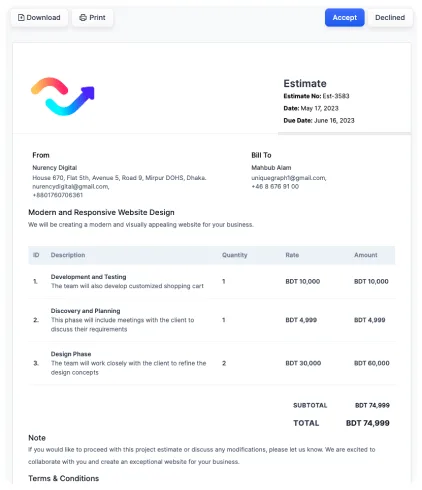
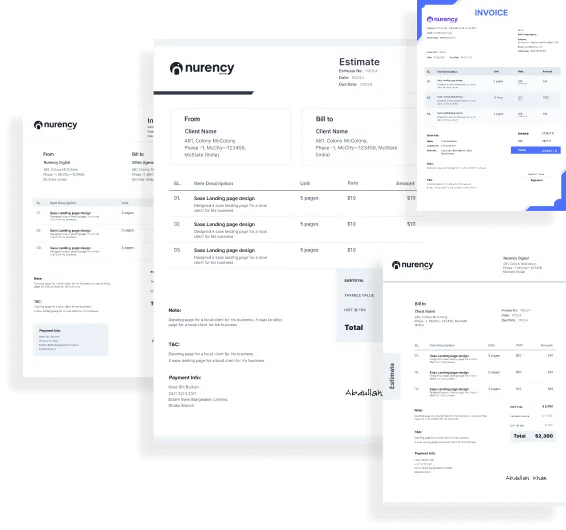
Choose a template. Add content. Send.
Pick from designer templates, add your brand color, line items, taxes, notes and terms, preview it, and send. Your estimates look as professional as your work.
- Designer templates with your brand color
- Line items with quantity, rate and per-item tax
- Notes and terms for clients or your team
- Custom estimate numbering
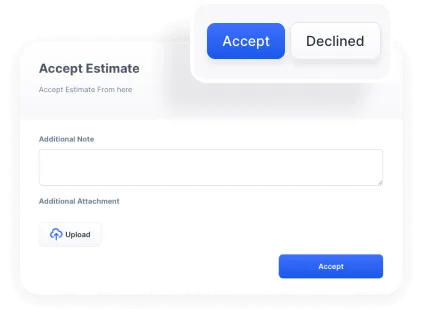
Get a yes in one click.
Clients review the estimate online and click Accept. You’ll see the acceptance badge right away and the status changes to Accepted, ready to convert into an invoice or project.
- One-click Accept or Decline
- Acceptance badge and status updates
- Attach eSignatures and files to agreements
- Collect counter-signatures
Follow-ups that send themselves.
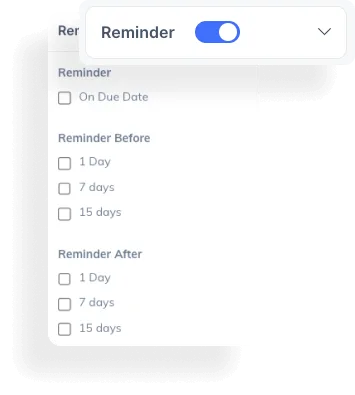
Turn on reminders and choose when they go out. Enterprised nudges clients about pending estimates so you don’t have to chase, and you never lose a project to a forgotten email.
- Reminders before and after the due date
- Send from Enterprised or your own email server
- Share a link by email, WhatsApp or Messenger
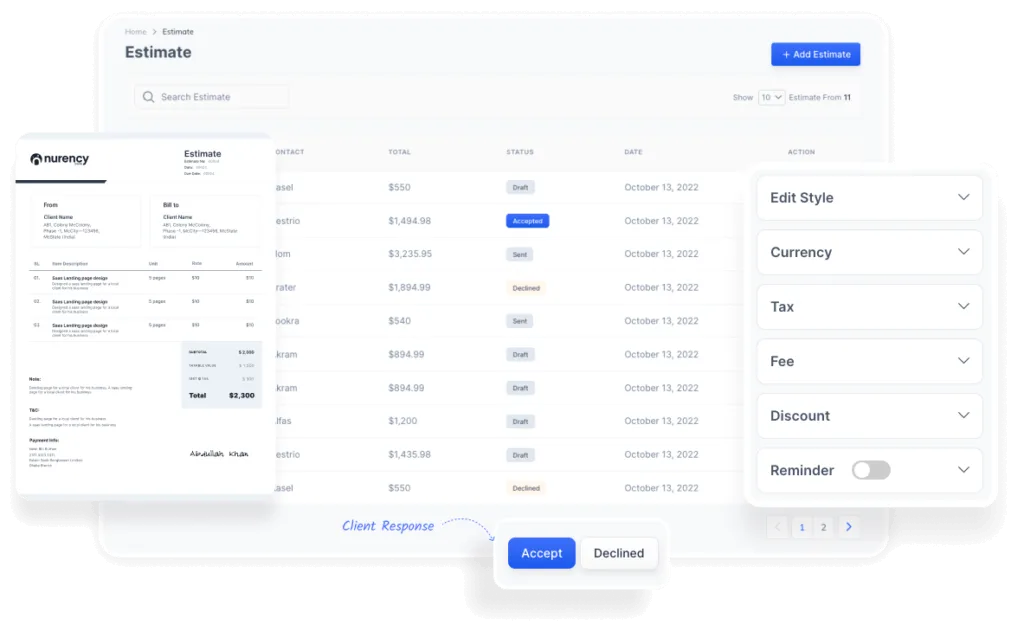
Every estimate, its status and value at a glance.
See every estimate you’ve sent, who it’s for, its total and where it stands. Filter, search, and jump straight into any one to edit, resend or convert.
- Status tracking: draft, sent, accepted, declined
- Quick client selection from your CRM
- Print or download as PDF
Everything you need to quote with confidence
Brand color
Match every estimate to your brand.
Per-item tax
Customize taxes on each line item.
Action badges
Automatic status badges for you and your team.
Notes & terms
Add notes and terms for clients or internal reference.
Easy client selection
Pull clients straight from your CRM.
Email delivery
Send from the platform or your own mail server.
Custom numbering
Number estimates to fit your business.
Share a link
Copy and paste a public link anywhere.
Everything works together
Every feature shares the same clients, deals and documents, so nothing gets re-typed and nothing slips through the cracks.
Can clients accept estimates online?
Yes. Clients click Accept on the estimate link or in their client portal, and the status updates to Accepted instantly.
Can I turn an accepted estimate into an invoice?
Yes. Convert an accepted estimate to an invoice in one click, with all line items carried over.
Can I add taxes and discounts?
Yes. Add tax per item or on the total, plus discounts and fees, in any currency.
Is there a limit on estimates?
No. Create and send unlimited estimates on the standard plan.
Send your first estimate today.
Professional estimates, one-click approval and instant invoicing for $29/month.