User Guide / Projects
You can create a Project from a Deal single by the Move to Project button but you can also create it manually.
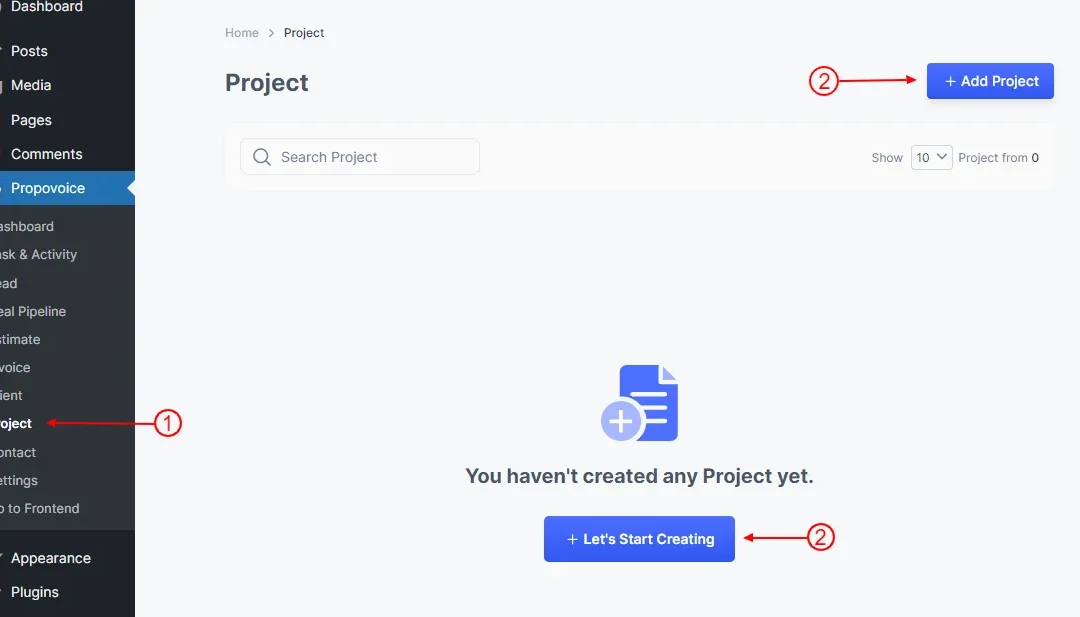
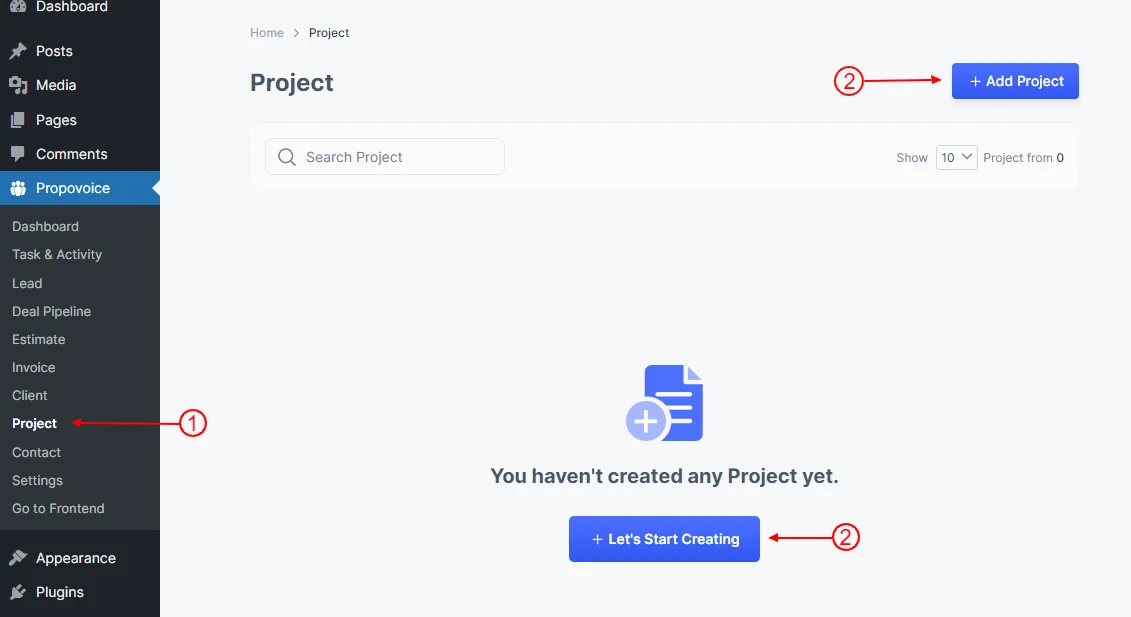
To add a Project just go to Dashboard
- Click on Propovoice > Project
- Click on Add Project or Let’s Start Creating button
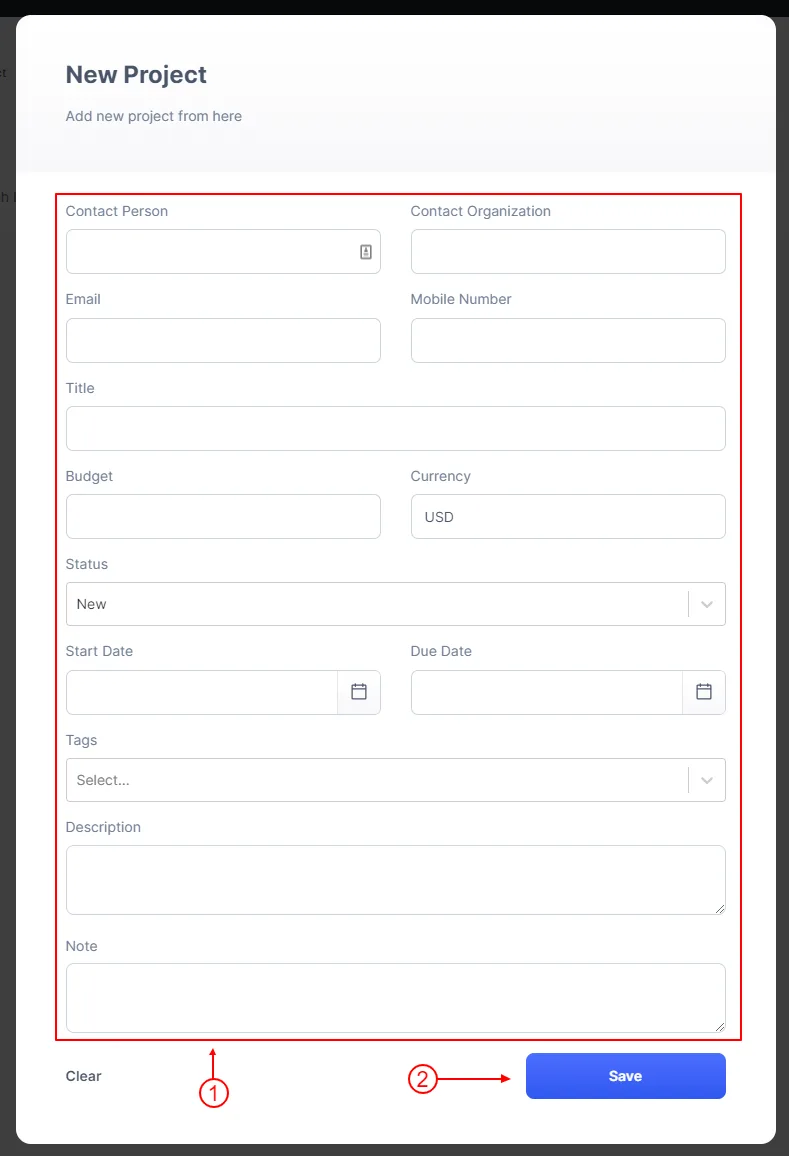
After click appear a Project form
- Fill up your project’s necessary information
- Click on Save button