User Guide / Leads
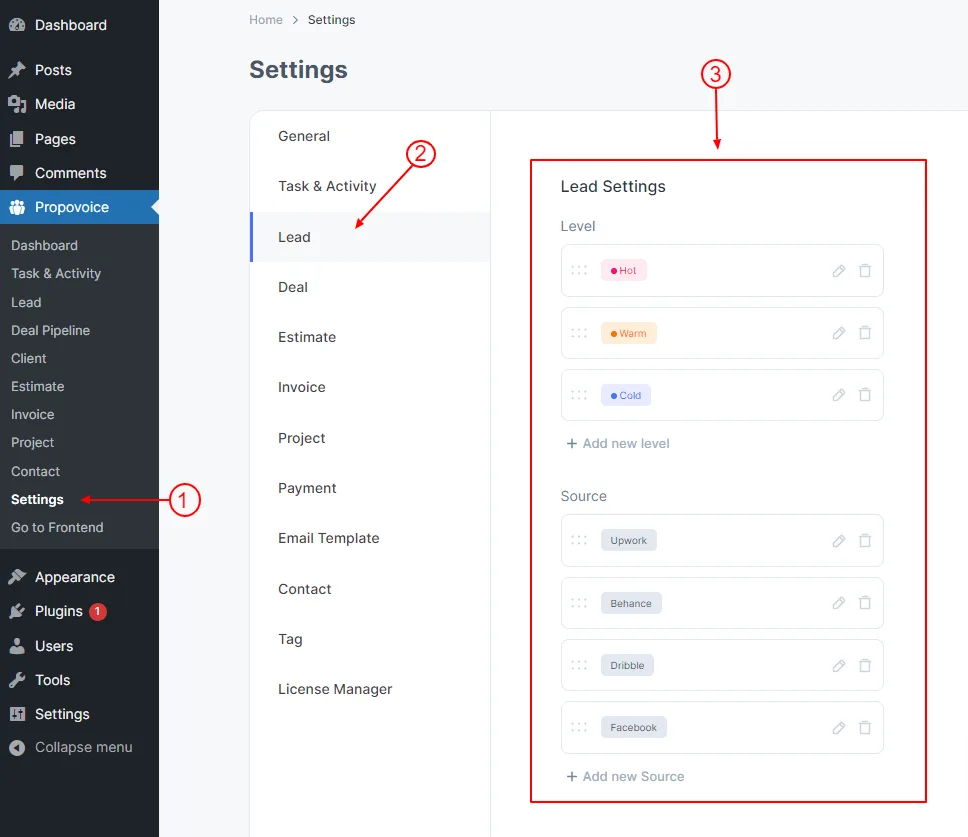
The lead settings panel helps you to configure the predefined levels and sources. You can customize the built in ones or add new and reorder them as you like.
To Edit Lead Setting, go to Dashboard
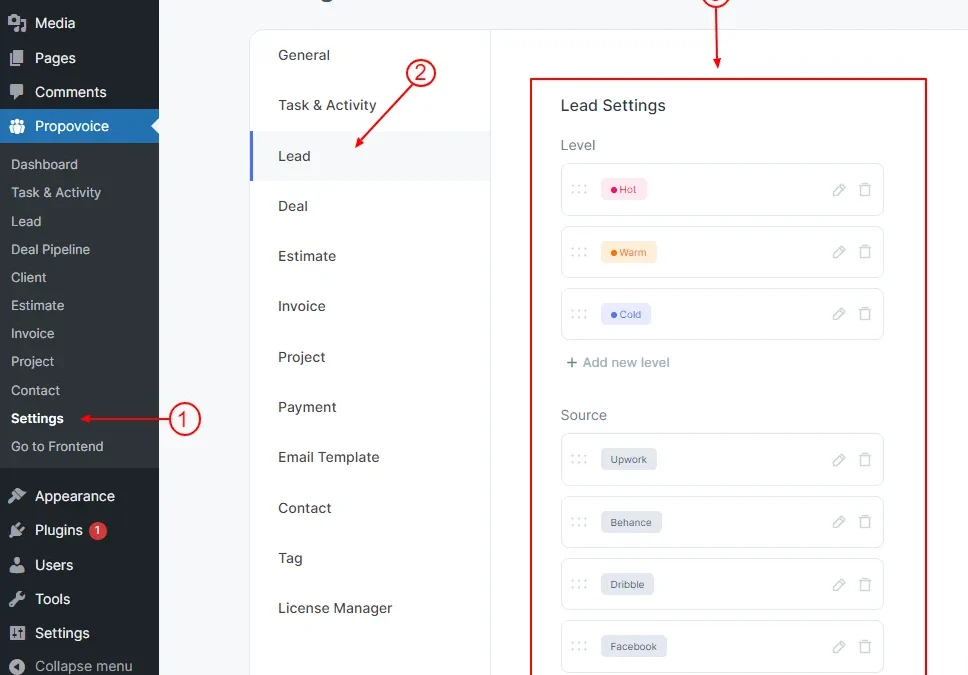
- Click on Propovoice > Settings
- Click on the Lead tab
- Change your Lead setting from here.