User Guide / Clients & Portal
When you create a project under a contact, that contact will be considered a client. But you can add a client manually from the dedicated menu in Enterprised Cloud.
To add a Client, just go to the Admin Dashboard and then
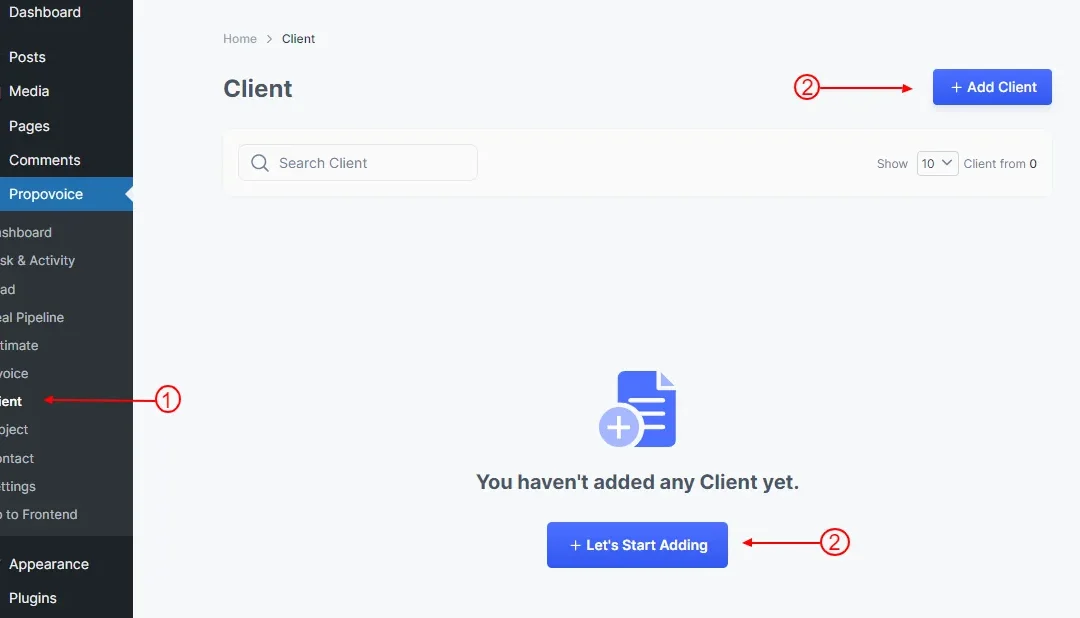
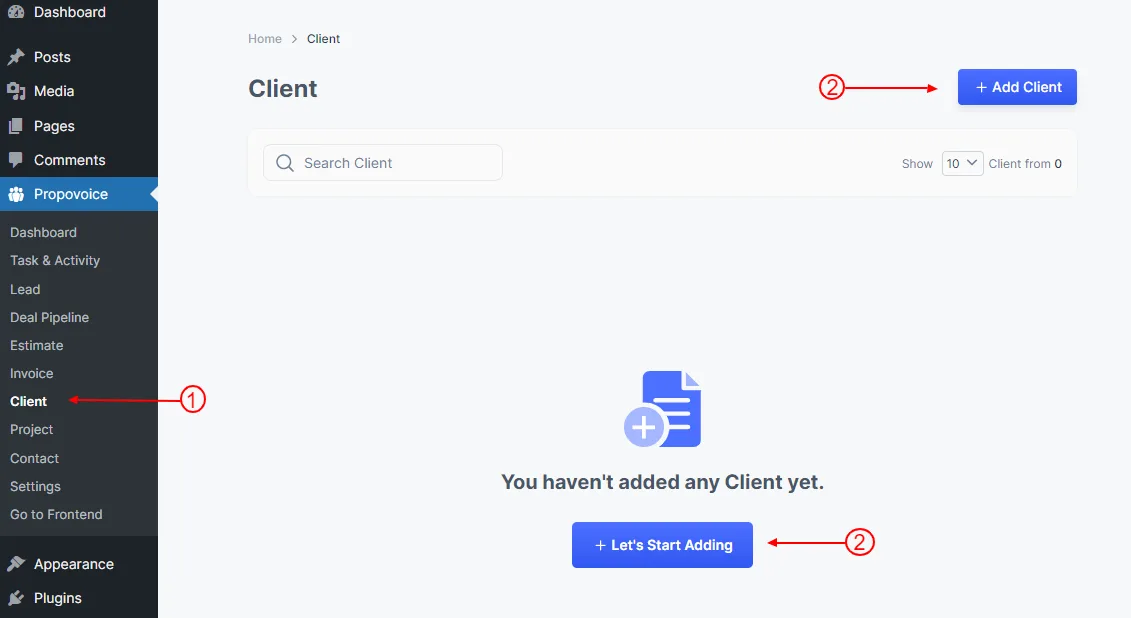
- Click on Propovoice > Client
- Click on Add Client or Let’s Start Adding button
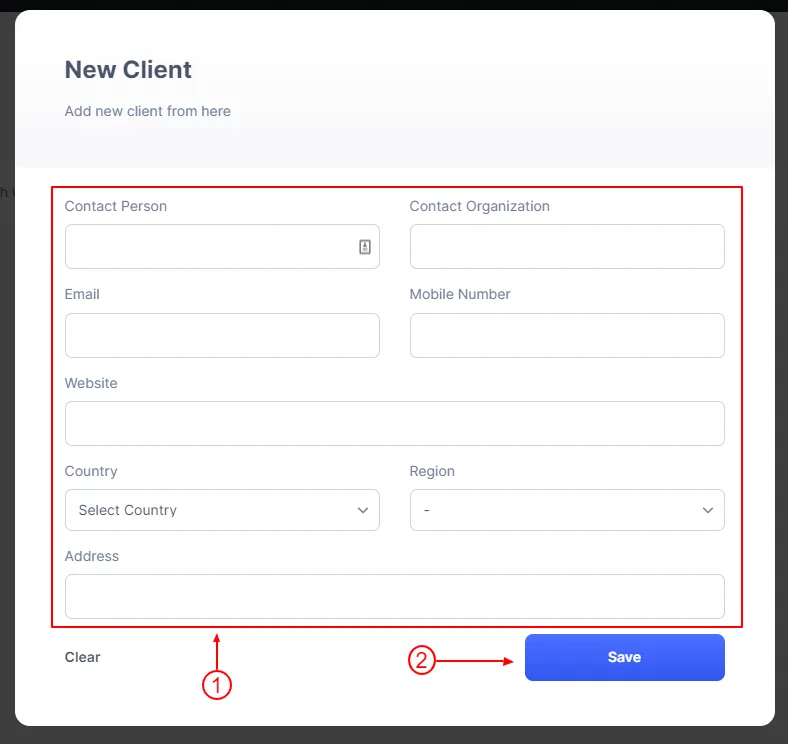
After clicking the button, you will see the add new client form.
- Fill up your client’s necessary information
- Click on the Save button