
User Guide / Settings
Enterprised Cloud CRM lets you manage your team and assign them different capabilities for CRM management. This documentation shows how you can use this feature.
Adding Team Members
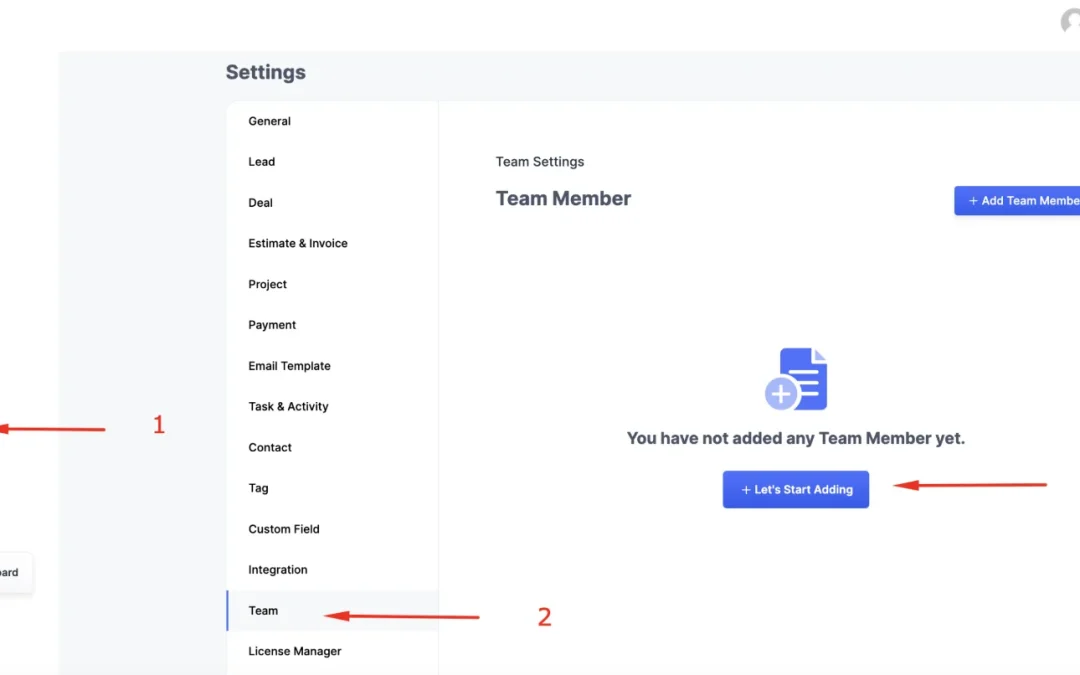
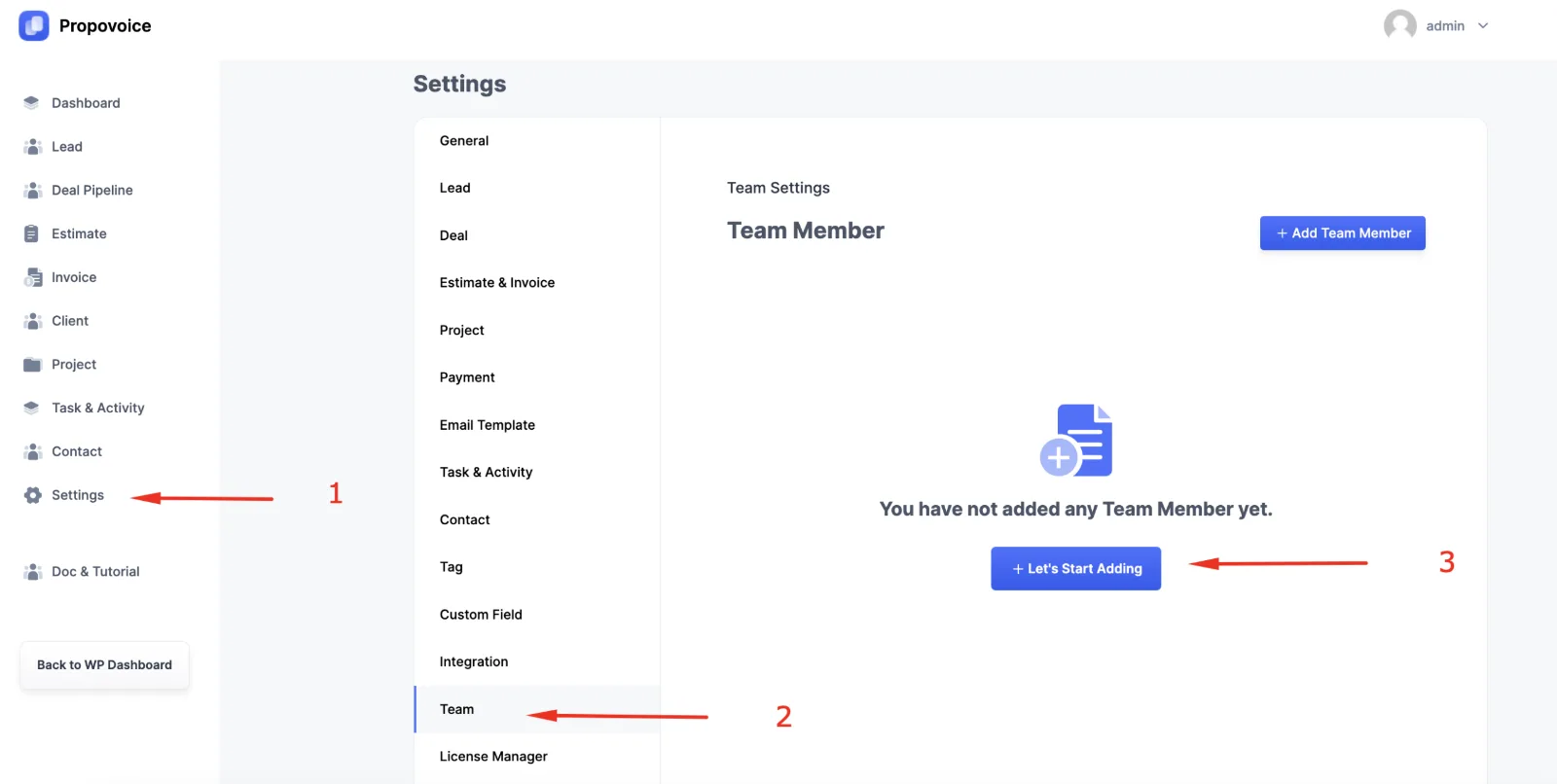
Navigate to your Enterprised Cloud Dashboard → Settings → Team. Now, you can Click on either “+ Add Team Member” or “+ Let’s Start Adding”.
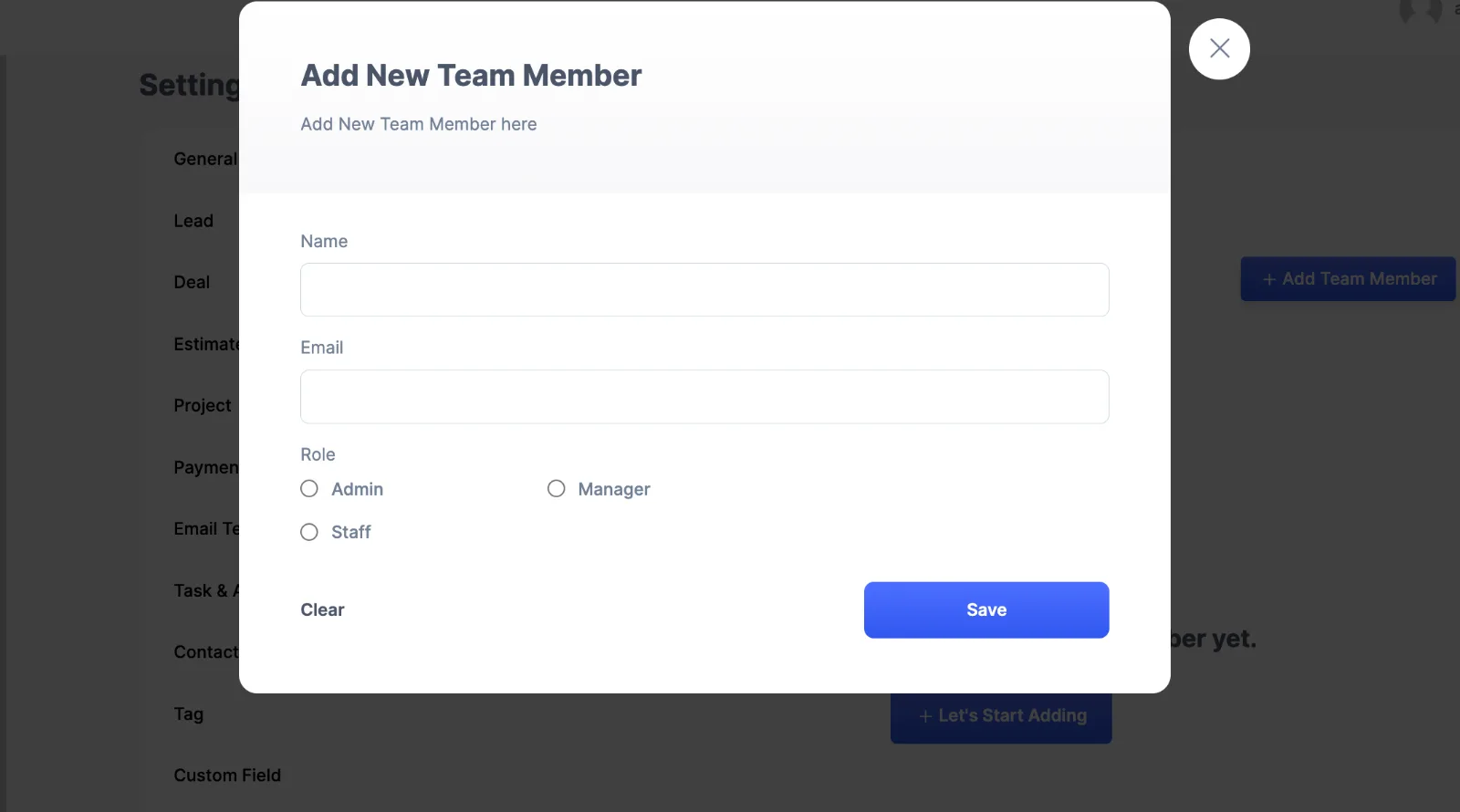
You will find a new modal window to add your team member. Fill in the fields with necessary details including Name, Email, and Role.
There are 3 Roles – Admin, Manager, and Staff. Each of them has different capabilities which you can also customize depending on your requirements.
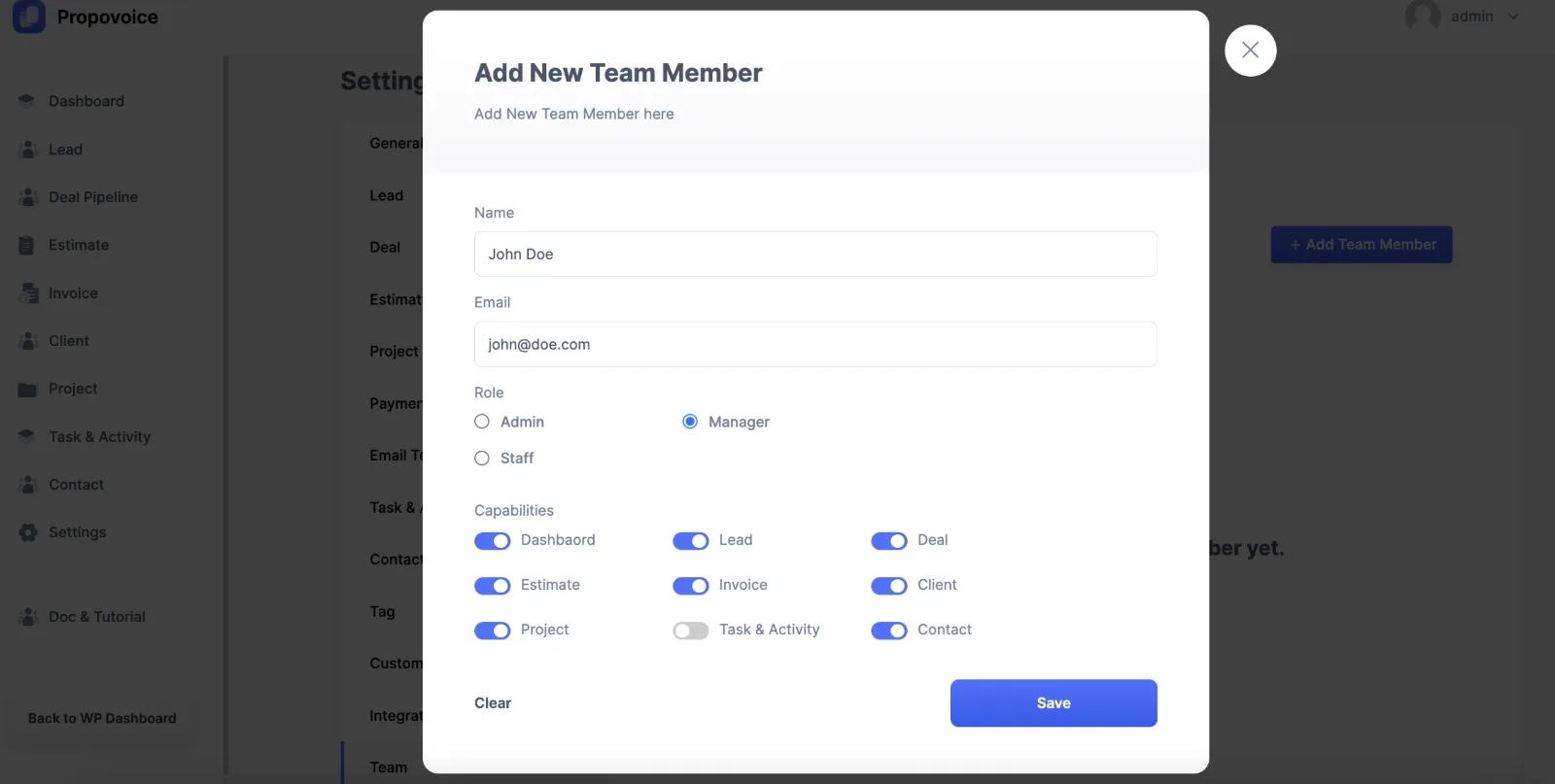
Admins have all the capabilities. For Managers, you can enable or disable capabilities. Staffs have the least amount of capabilities which you can also customize.
After giving capabilities to your team, click on Save. Your team member will be added to the list and they will get access to selected CRM features when they log in.
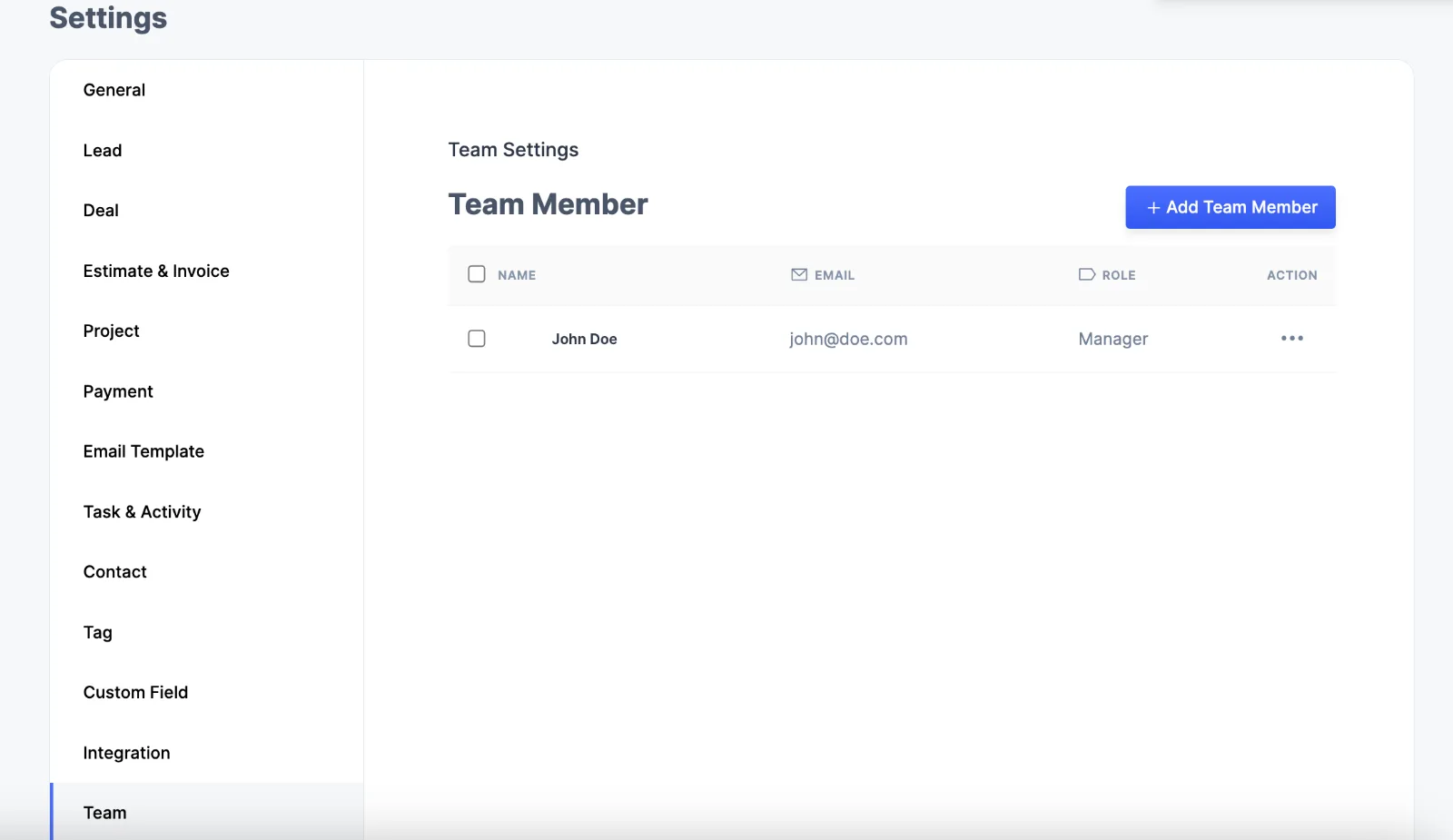
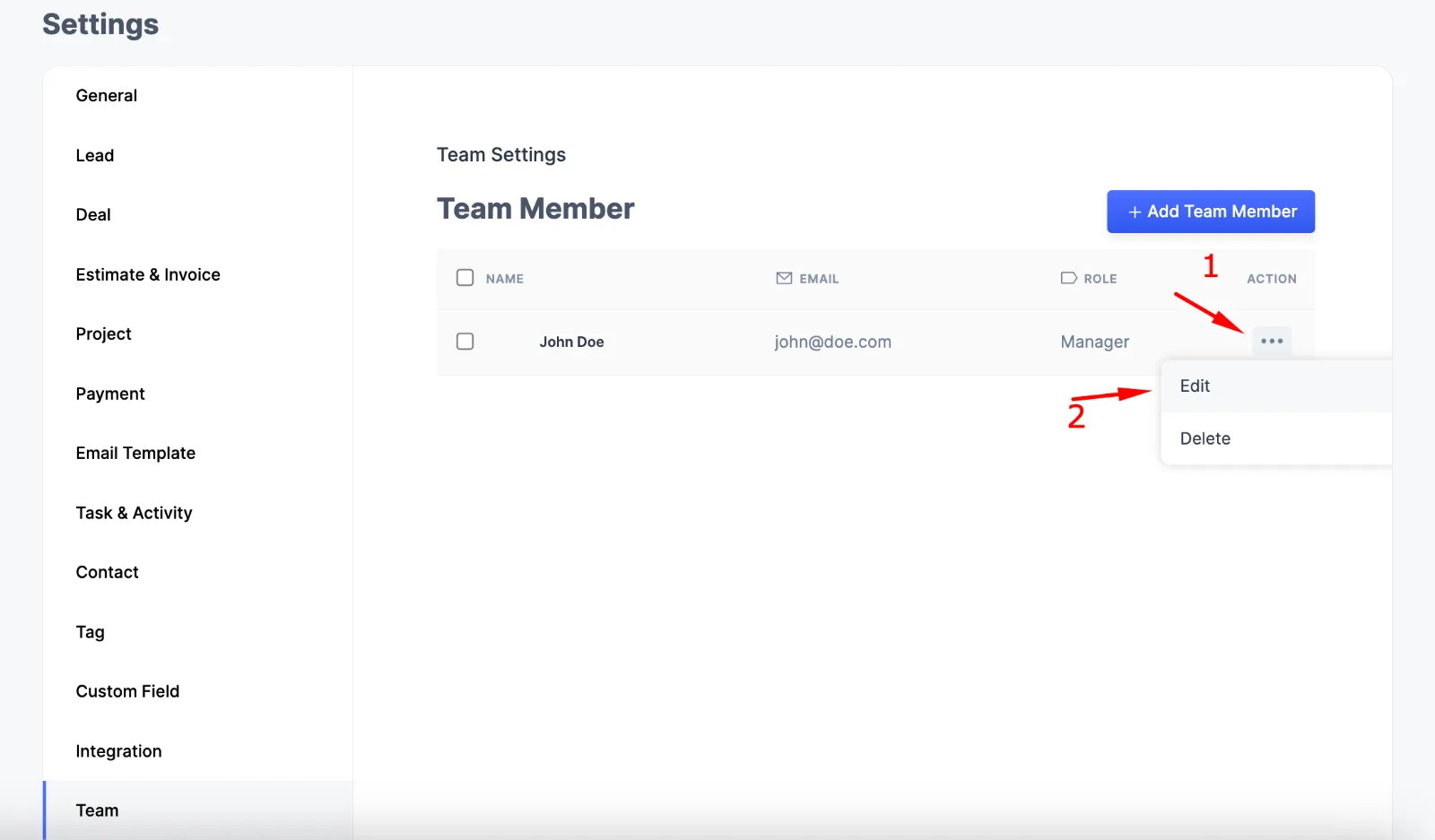
You can also edit your team member from the Action option and click on Edit.
Team Member Portal
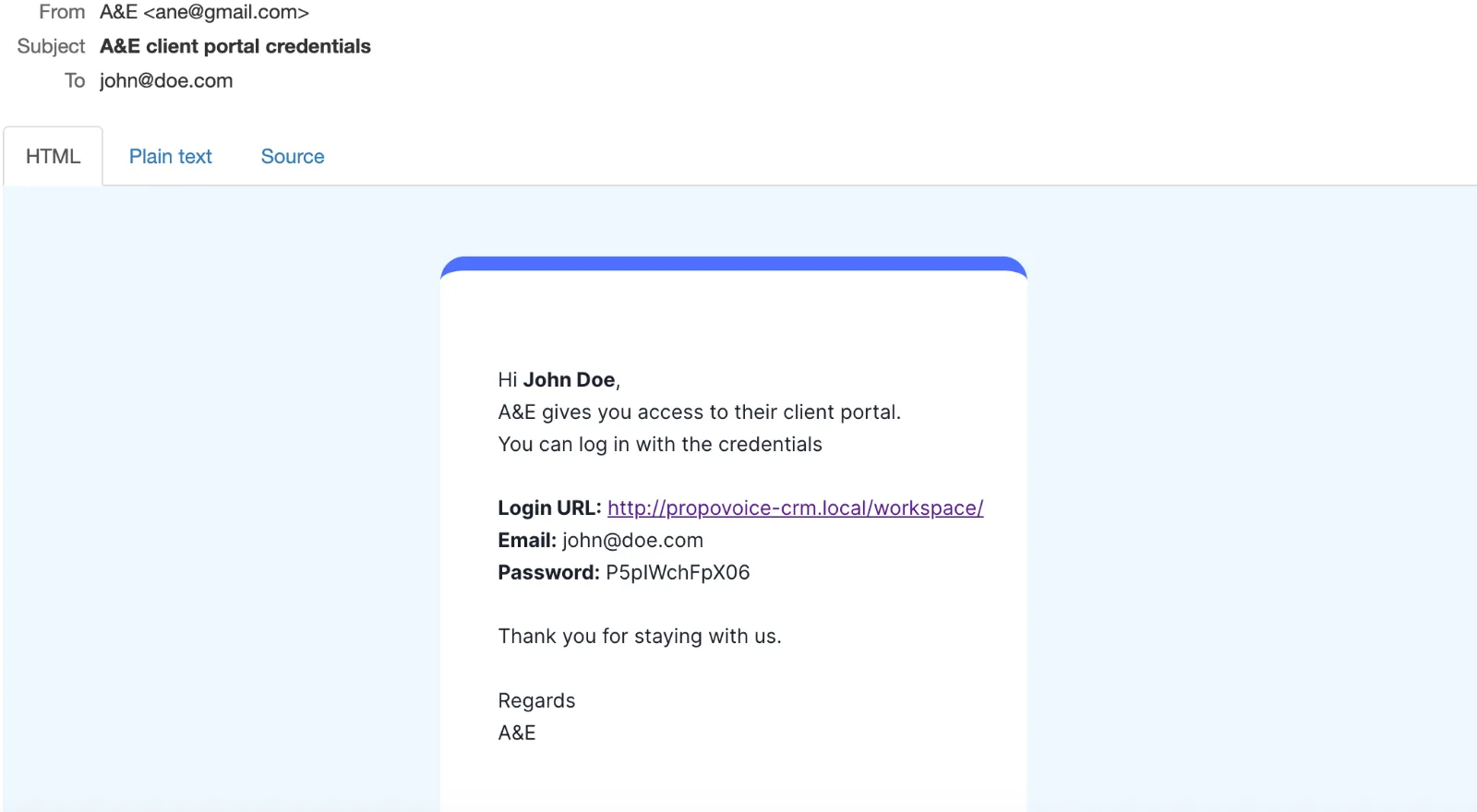
When you add a team member, they will receive an email with the Login URL and credentials.
After they log in to their Portal, they will be able to view the CRM features that were given access to them.
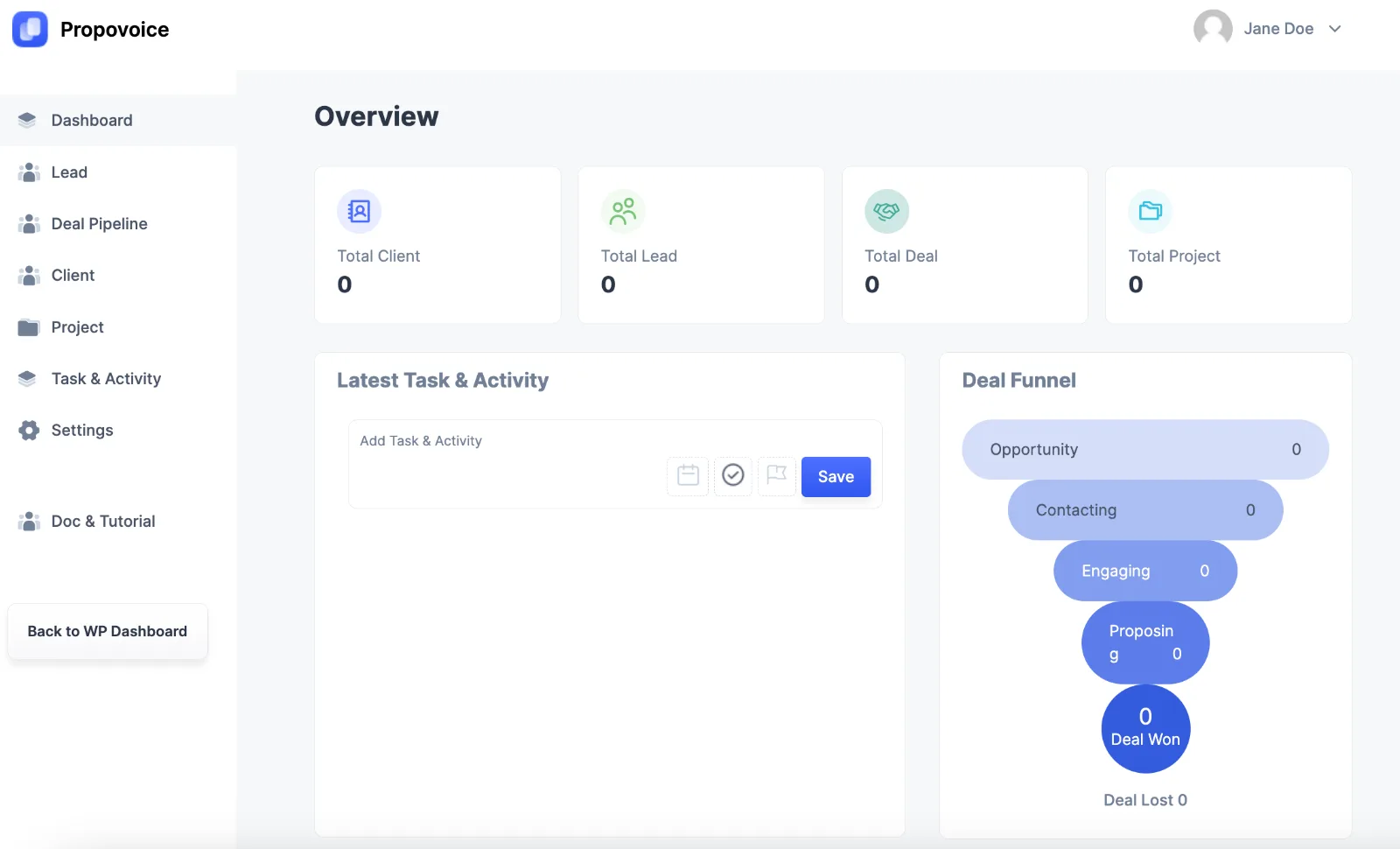
Depending on the capabilities they were given, they can access existing deals, contacts, estimates, invoices, etc.